Speaker Focus
9:16 portrait cropAutomatically tracks and crops to the speaker's face, shot by shot.
Podcast master to vertical highlights
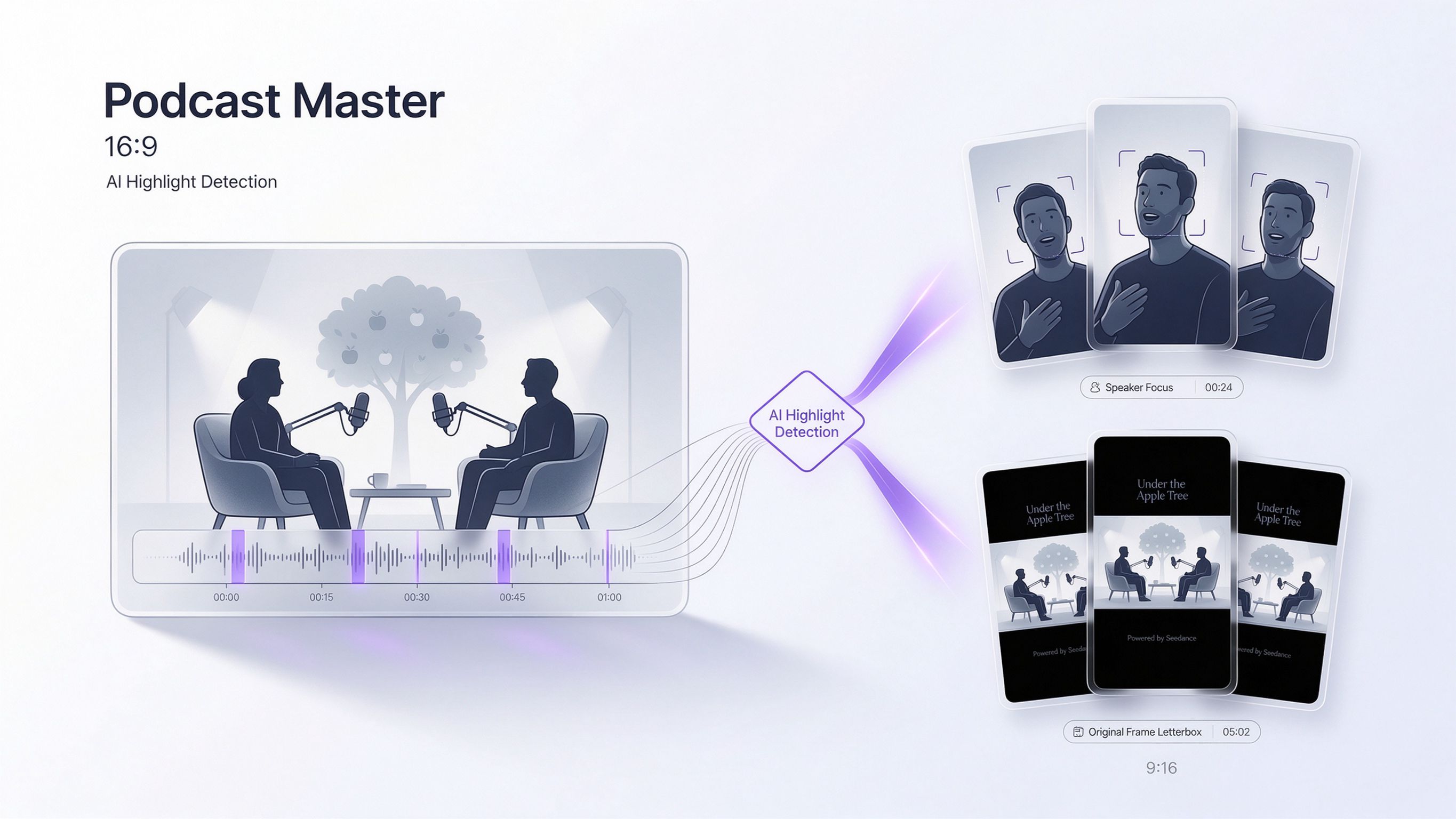
Shot-by-shot tracking of the active speaker's face and upper body for immersive short-form feeds.
Keeps the full 16:9 composition on a 9:16 black canvas with show title and Seedance credit.
Click anywhere in this area to upload. MP4 or MOV, 16:9 landscape recommended.
Automatically tracks and crops to the speaker's face, shot by shot.
Preserves the original 16:9 frame with show title and Seedance credit.
Language, speakers, topics and complete Q&A
Select complete 15–30 second moments and adapt framing
Check sentence endings, A/V sync and image quality
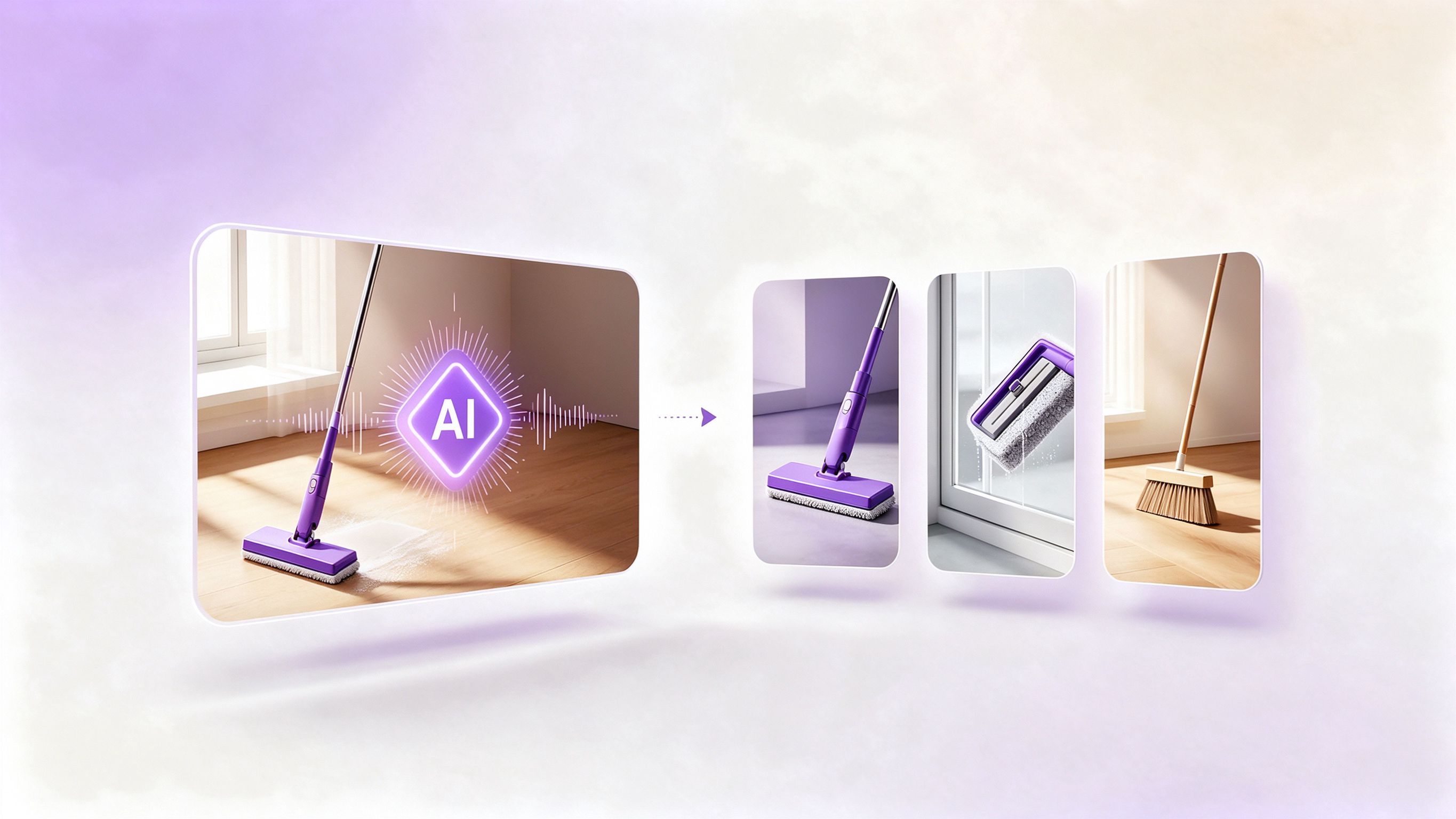
Crop centre is locked per shot to keep product, talent and action in frame; it never drifts mid-shot.
No subtitles, stickers or letterbox blur. The original audio stays untouched; output is a clean vertical crop.
Click anywhere in this area to upload. MP4 or MOV, 16:9 landscape recommended.
Brand, products, selling points and task shots
Lock 9:16 centre per shot, prioritise product & talent
Parallel render, preserve original audio, no overlays